

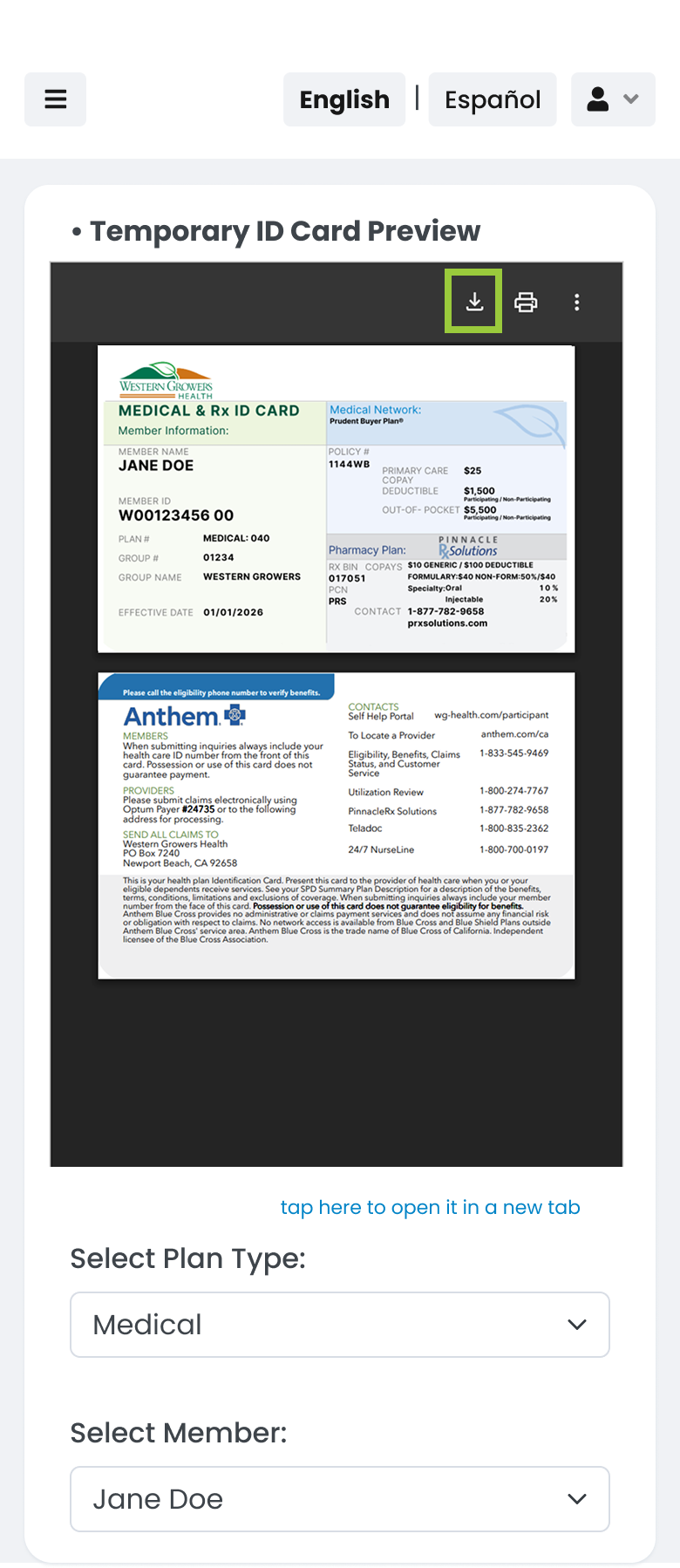
Access Your ID Card On Your Phone
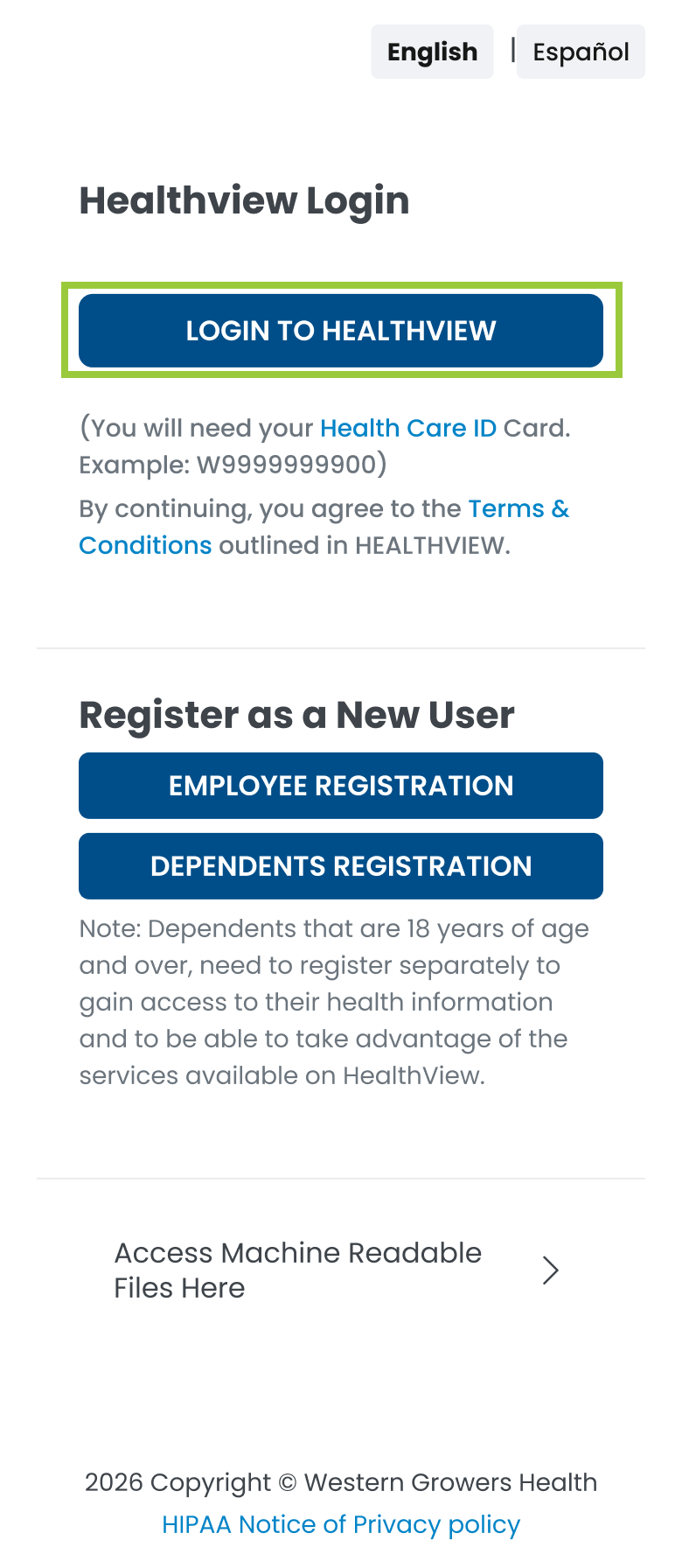
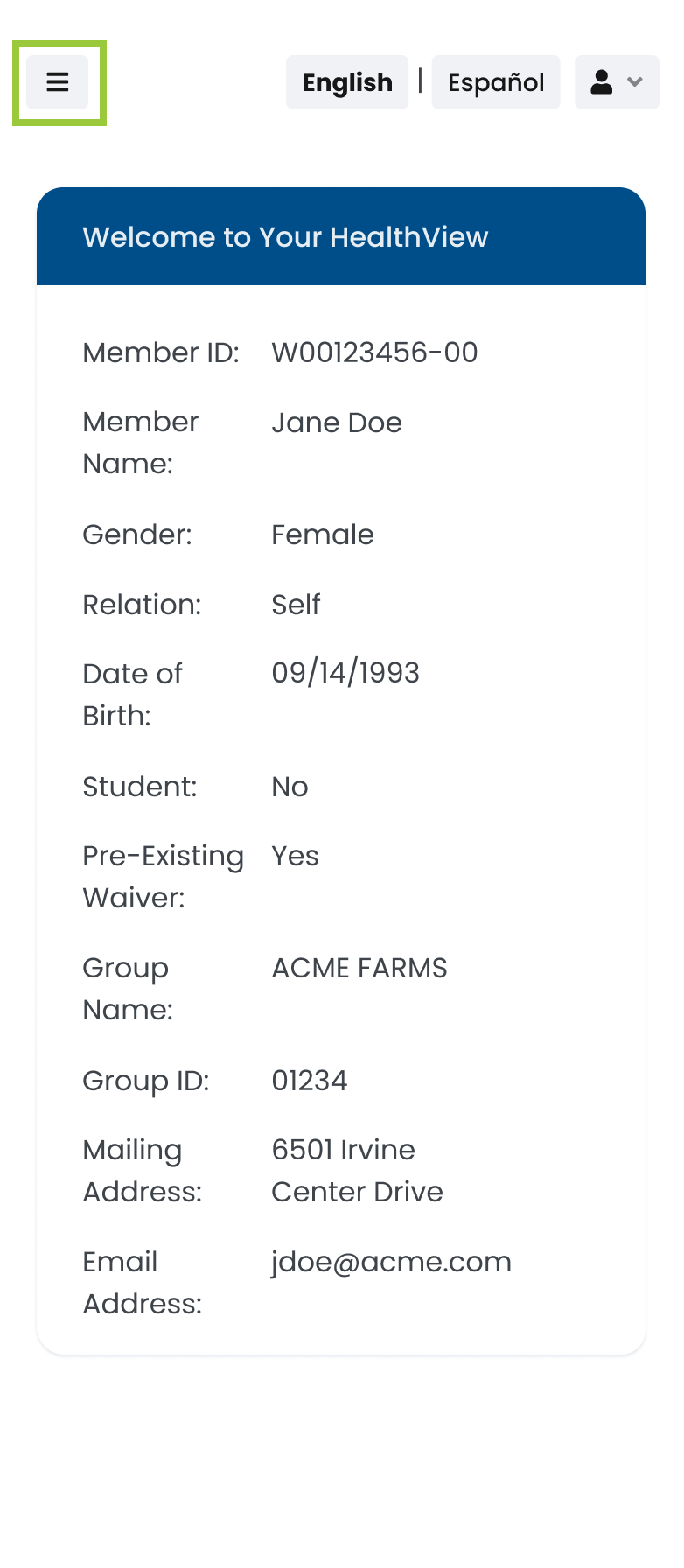
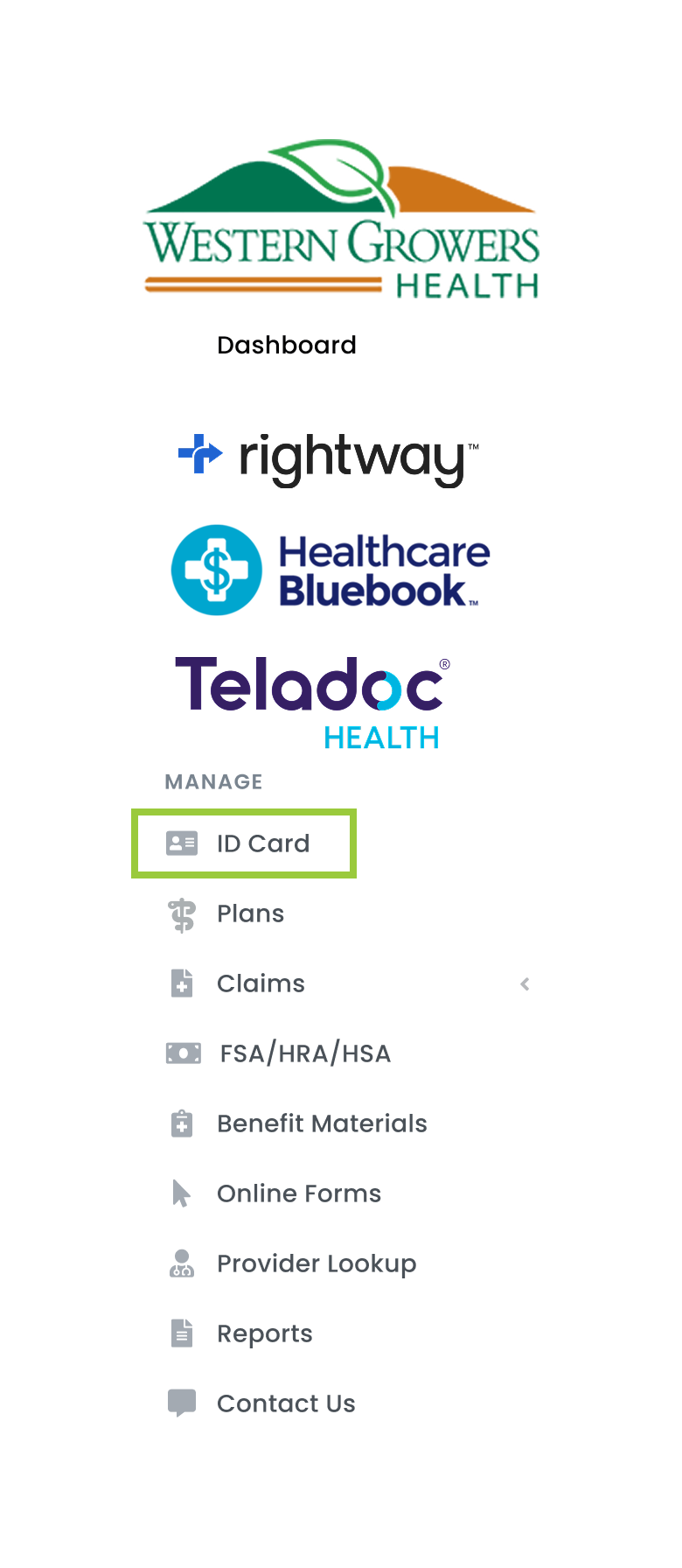
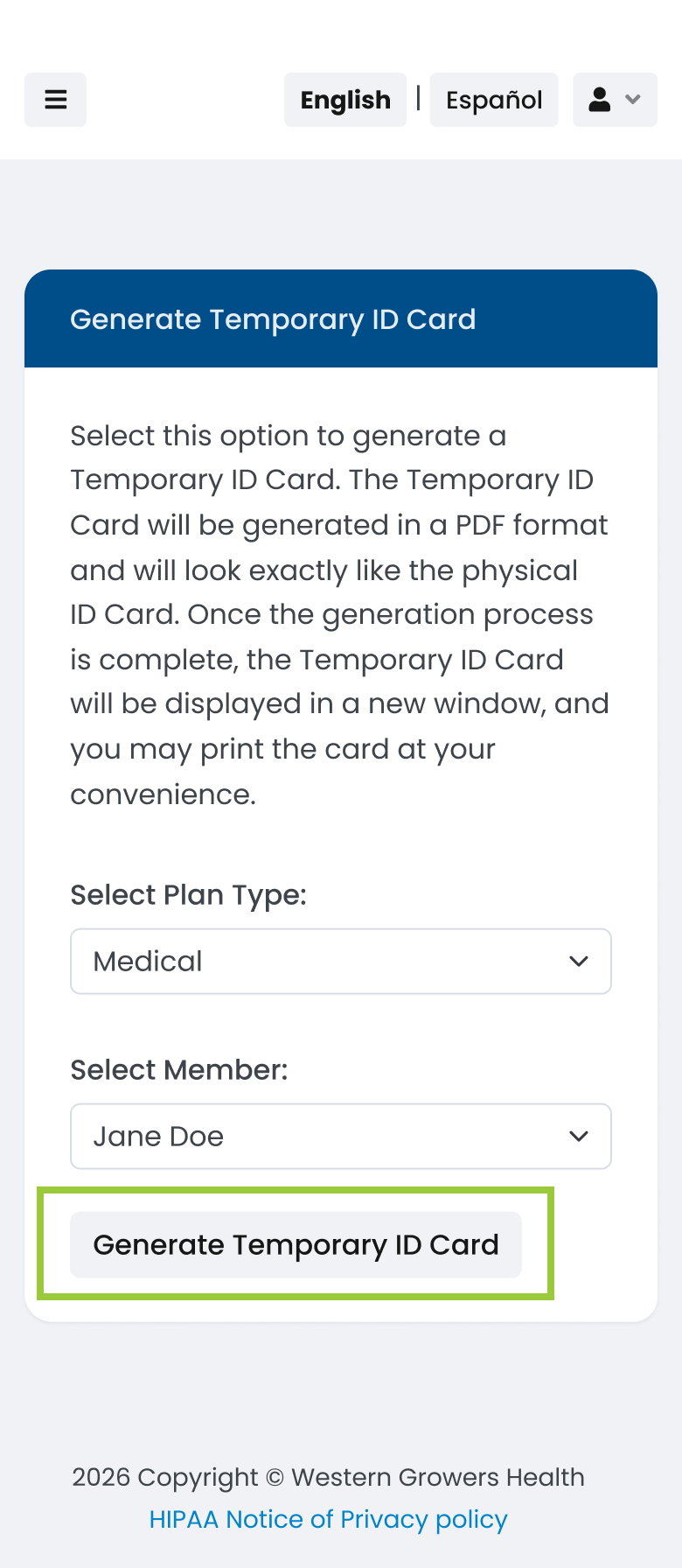
You can access and download a temporary ID card directly from your mobile device through HealthView. It works just like your physical card and is accepted by providers while you wait for your permanent card to arrive. Get started by going to Healthview.
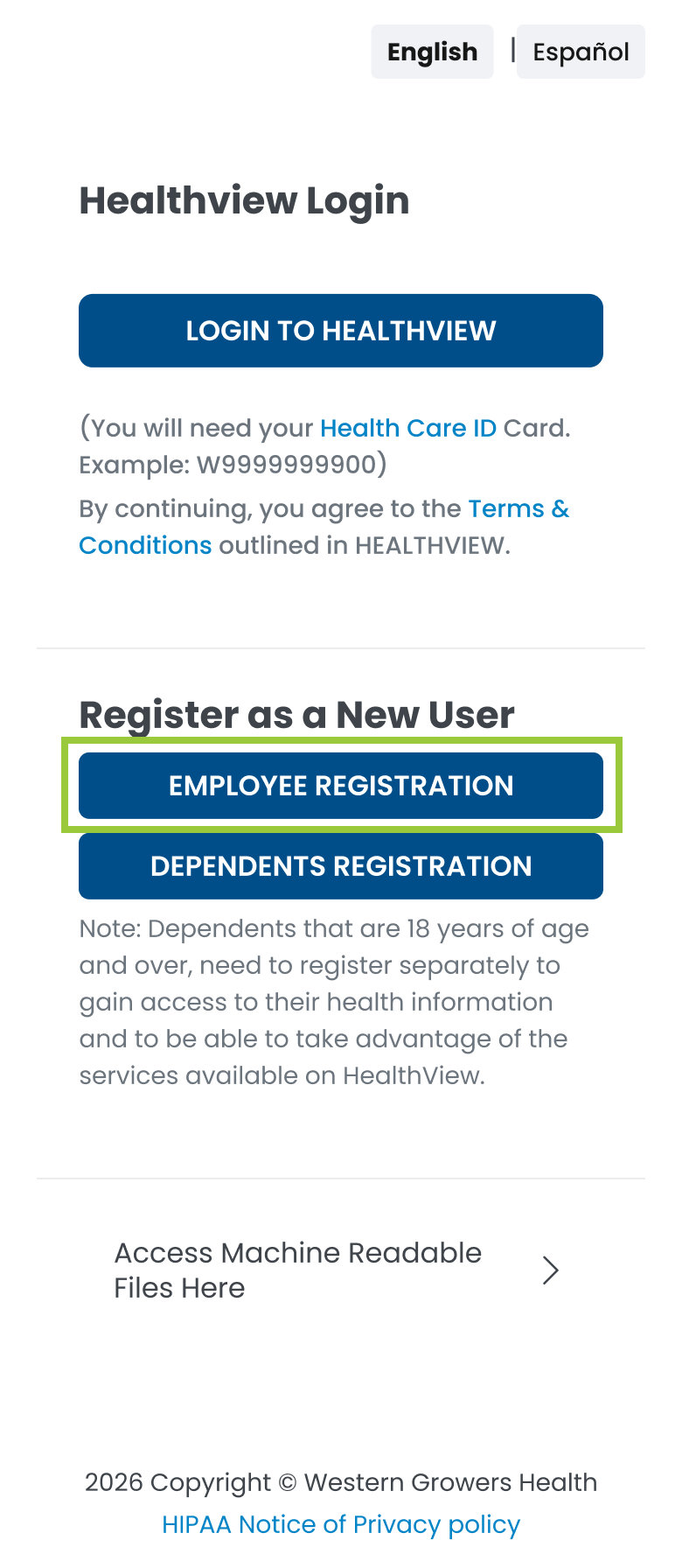
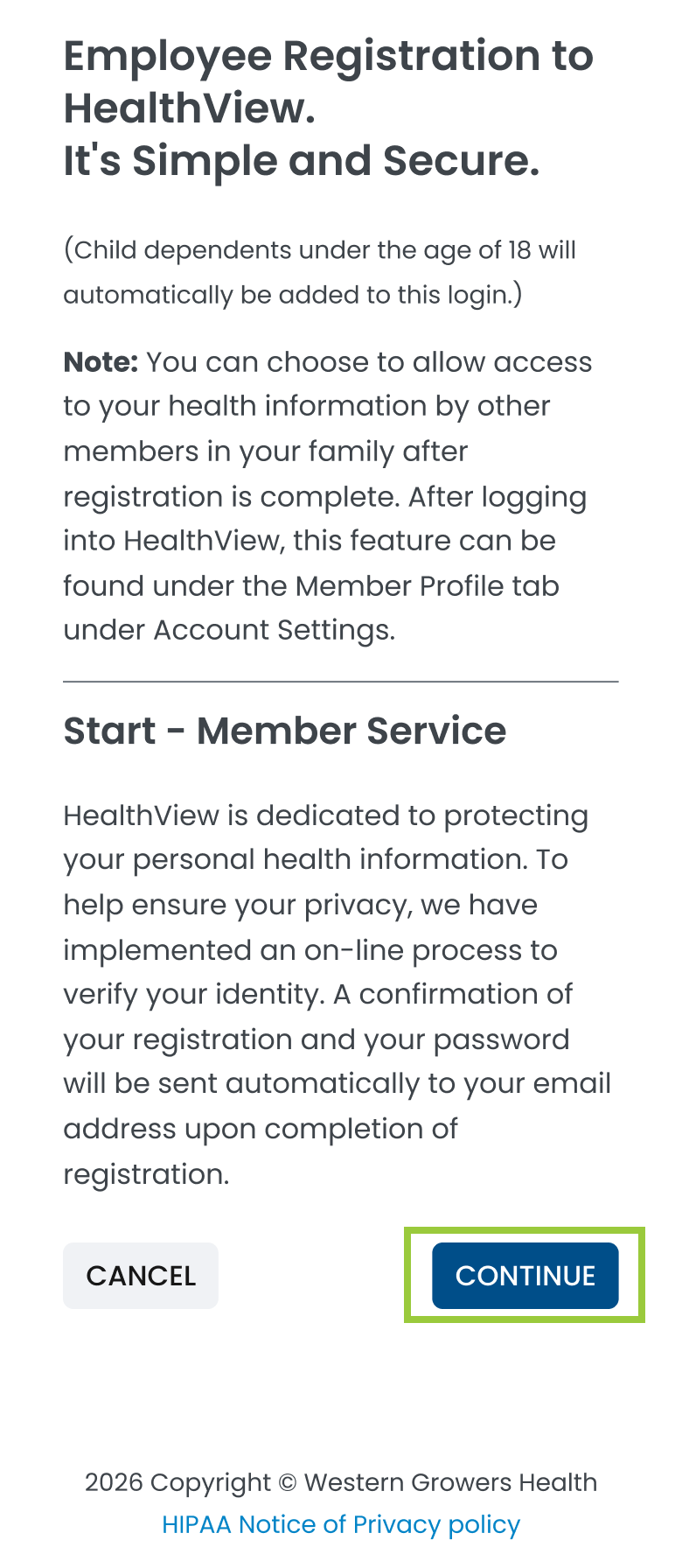
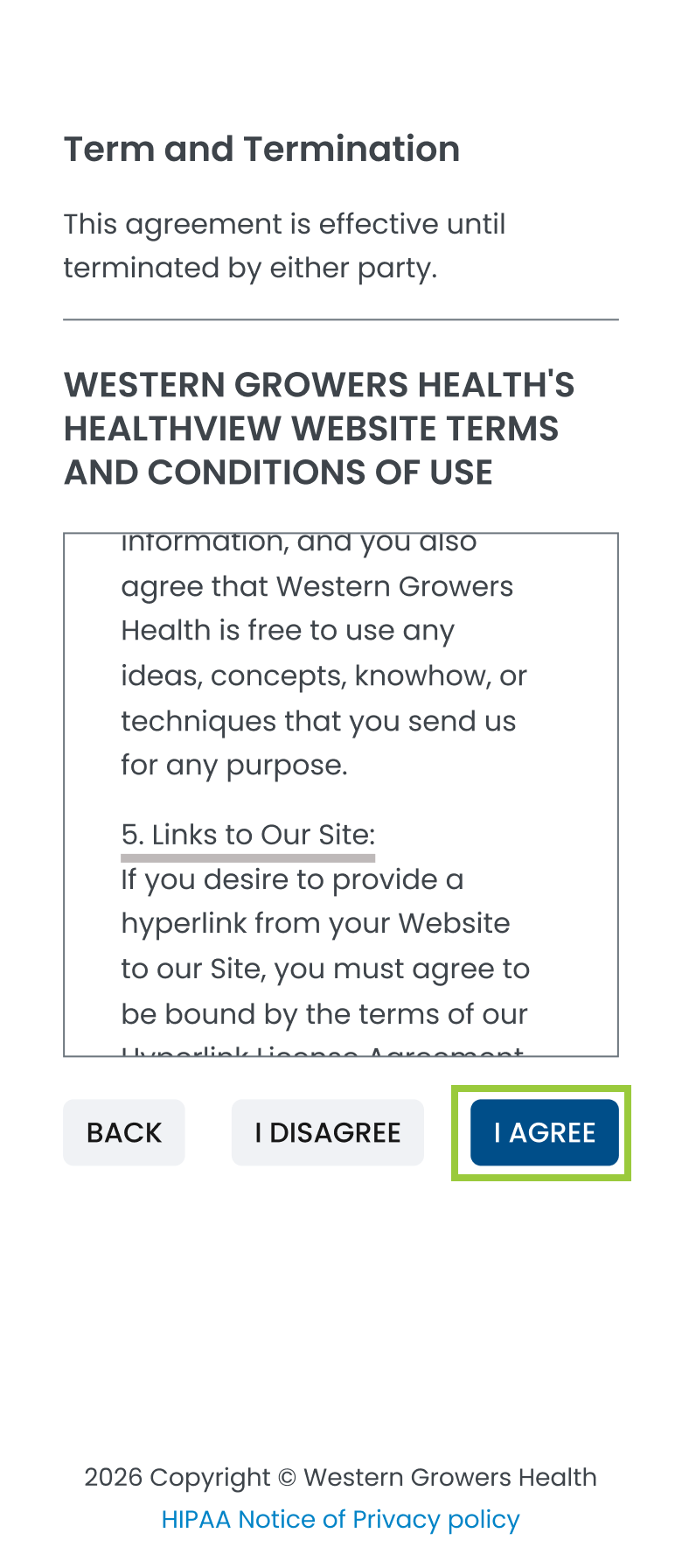
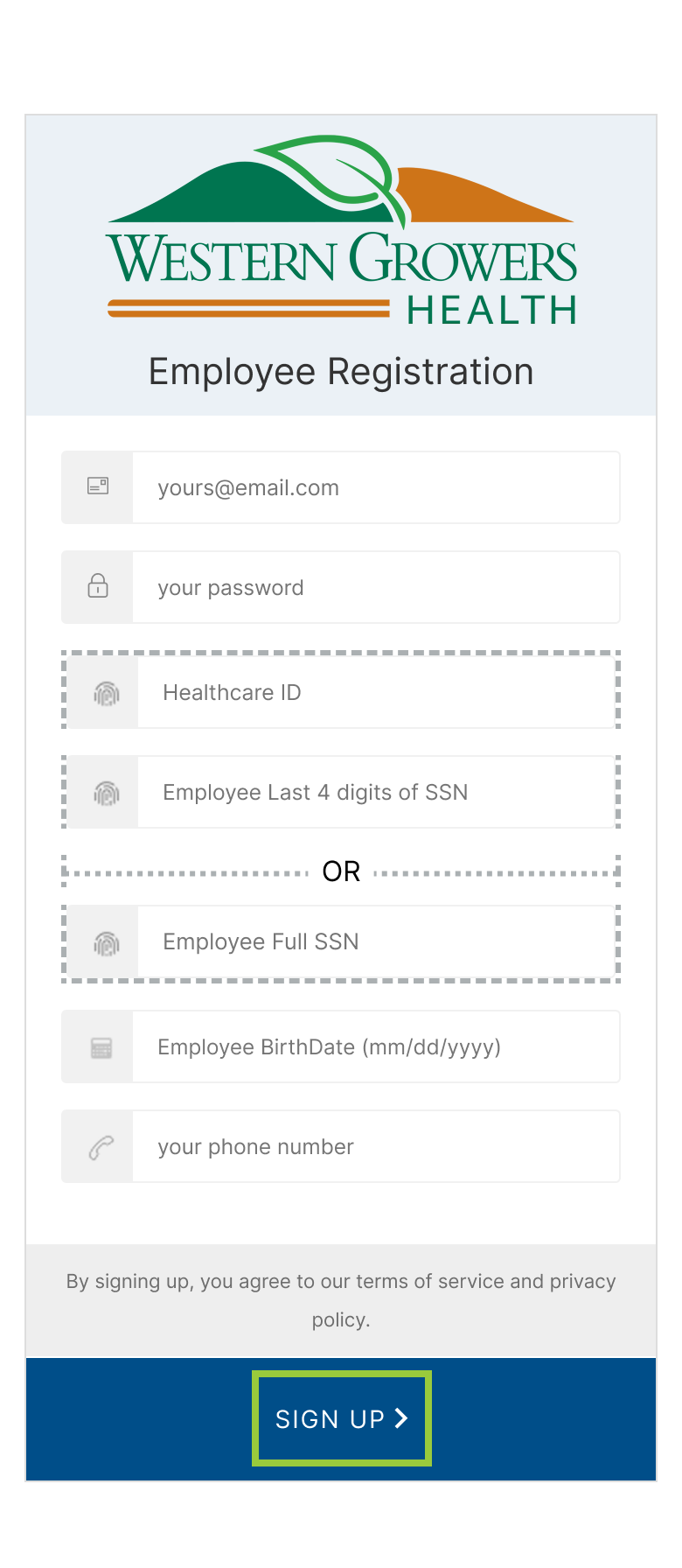
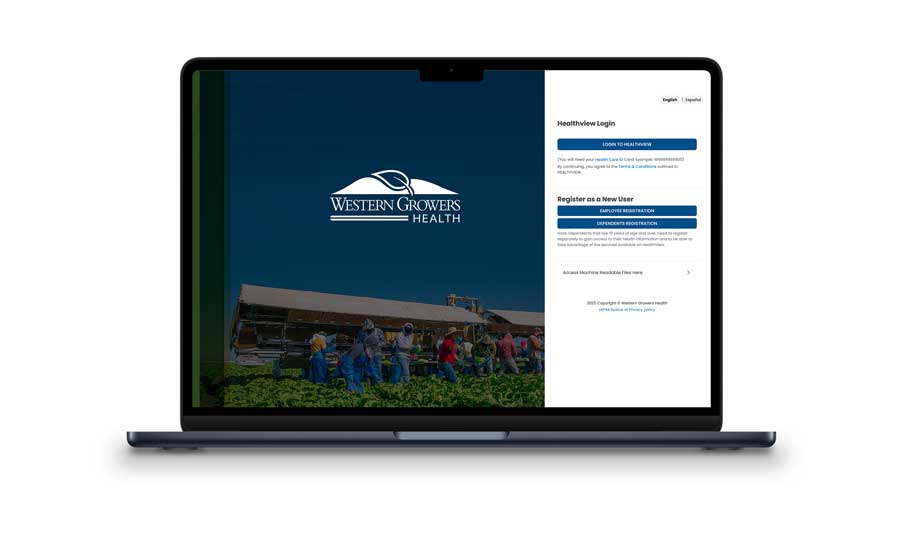
Access Your ID Card On Your Computer/Desktop
Prefer using a computer? Follow our step-by-step guide to register in HealthView and download your temporary ID card from your desktop or laptop. If you have questions or need assistance, we’re here to help. Call (800) 777-7898 or email [email protected].